Client
What can I do if none of the renders work for me?
If no render works for you, wait for the free quota to reset, buy a generation pack, or abandon the project.
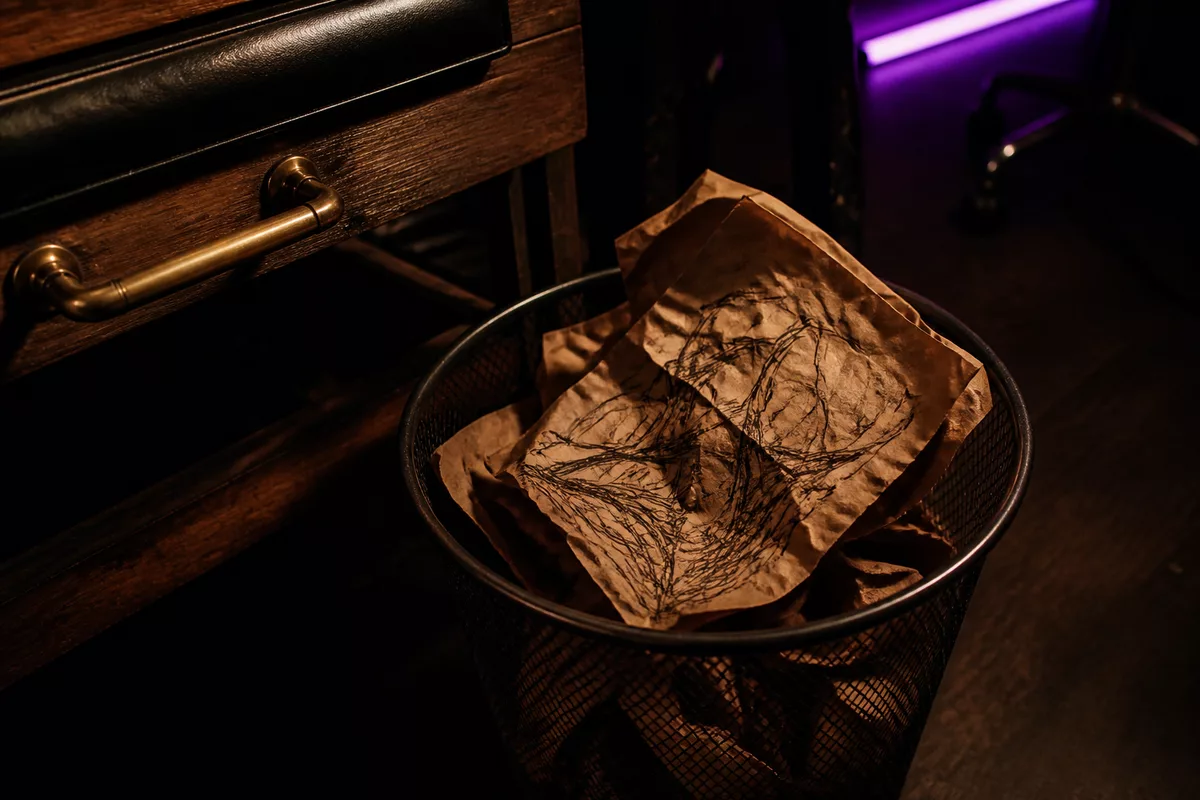
You have three options, in the order shown by the app: wait for your generation quota to reset for free, buy a pack of additional generations, or abandon the project. None of these is required. As long as you have quota remaining, you can continue generating and making touch-ups.
Generations are currently unlimited on iPhone. The quota never runs out, so only touch-ups, approving the best render, and abandoning the project apply to you.
There is a fourth option outside the app. If you already have an artist in mind, ask for their booking link. You can then book a slot by describing your project in your own words, without using a render.
Make a touch-up before starting over
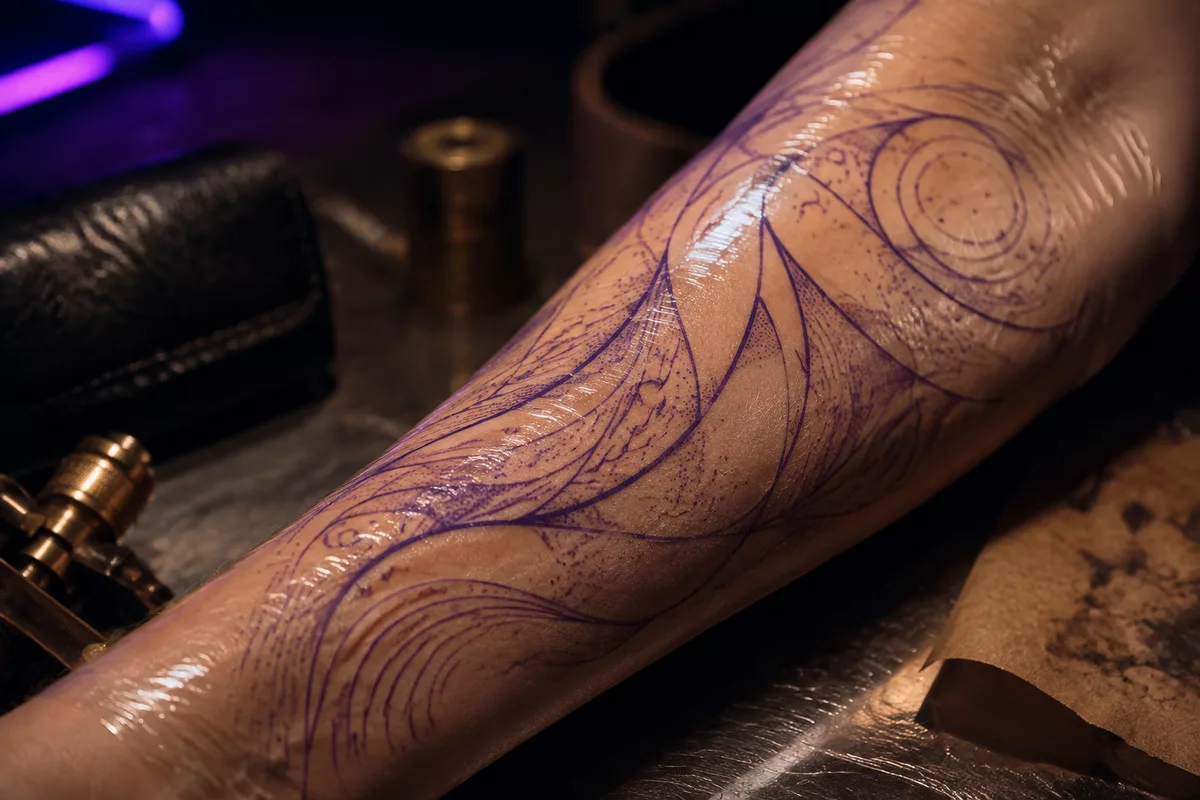
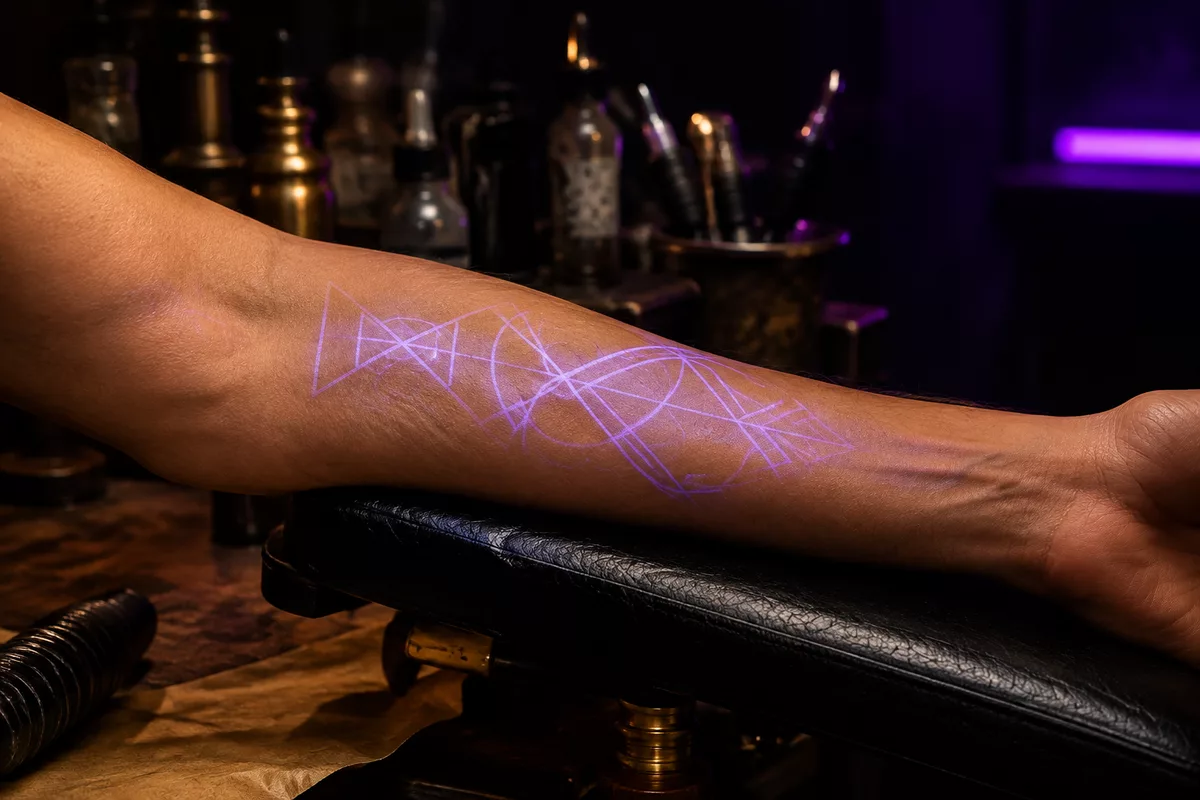
A render that does not work for you does not mean starting from scratch. A touch-up starts from the previous render with an instruction for what to change, rather than from the original photo. This is the right approach for adjusting placement or a detail without using a full generation to start over. It uses one unit from the same quota as a new generation.
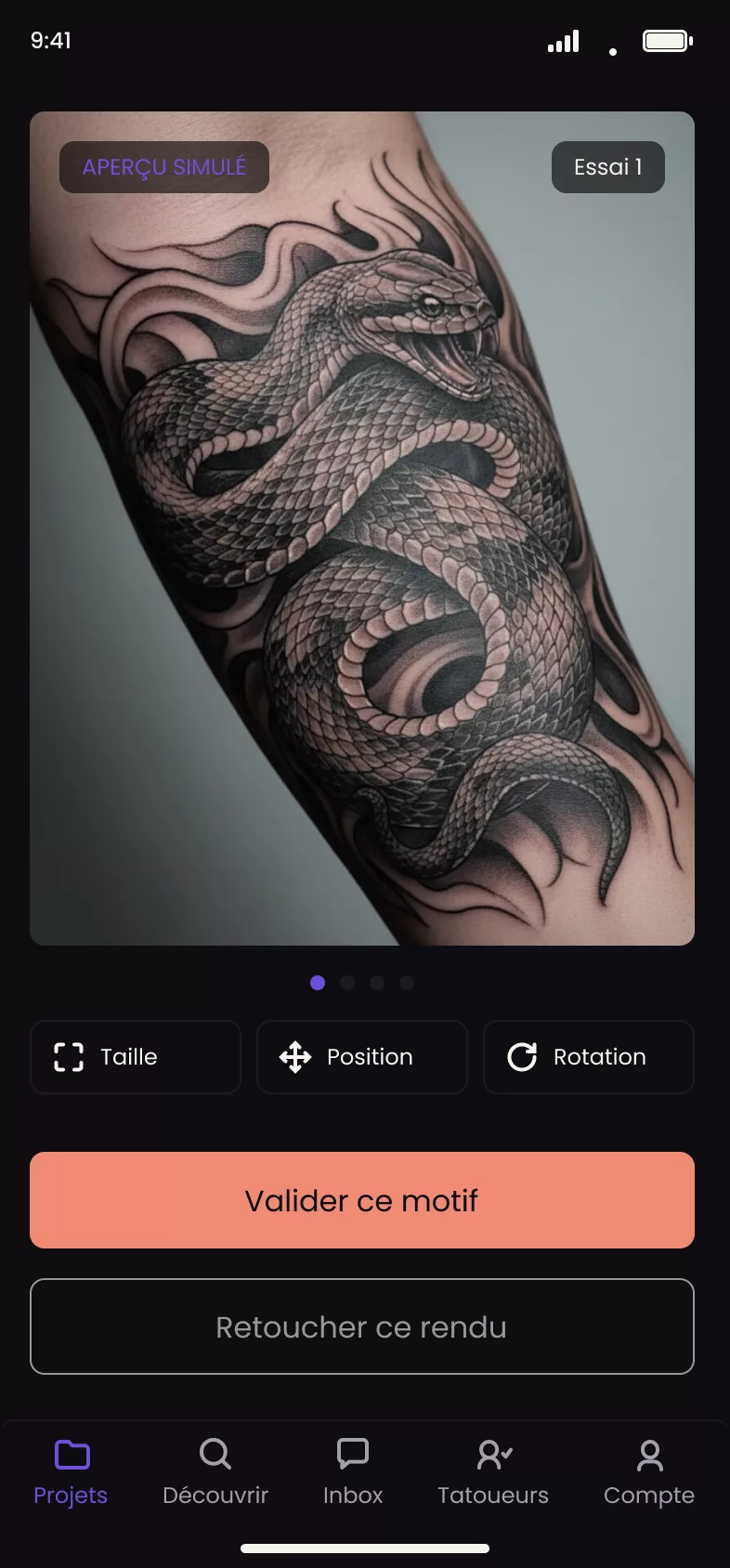
Once the quota is used up
When no more generations are available, the app shows three options, with no required ranking between them:
- Wait, for free: the quota resets at the end of the rolling window opened by your first generation, and the app shows the time remaining. There is no button to press. This option happens automatically.
- Buy a generation pack, an in-app purchase that can be topped up to a limit set by Tattooed. It only appears if this option is active.
- Abandon the project.
Choose the best render instead of waiting
Another option always remains available, regardless of your quota: approve the best render you have already received. This is not a technical fallback. It is a full option if one of the attempts works well enough for you.
Why abandoning the project restores nothing
Abandoning the project is final, and it does not reset any quota. The quota is tied to your device, not the project. Starting a new project on the same phone resumes the quota where it left off.
What the render never claims to be
The generated render remains a guide in every case. It helps you visualize the design before booking, but does not commit to the final result or the actual duration of the session, which are determined by the artist assigned to you. See How does the skin preview work? and How many free generations do I get for my project?.