Client
How does the skin preview work?
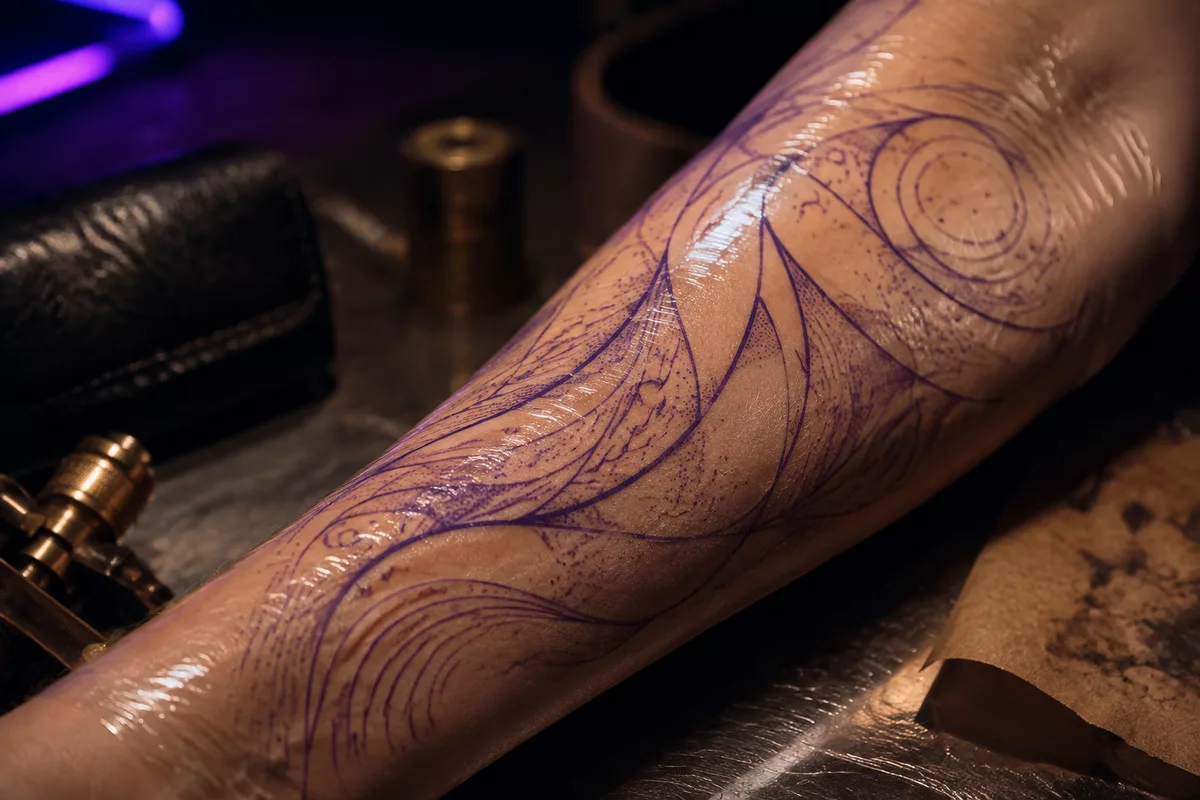
Using a photo of your skin and a description, Tattooed generates a render of the design in that exact spot. It is a guide, not a commitment.
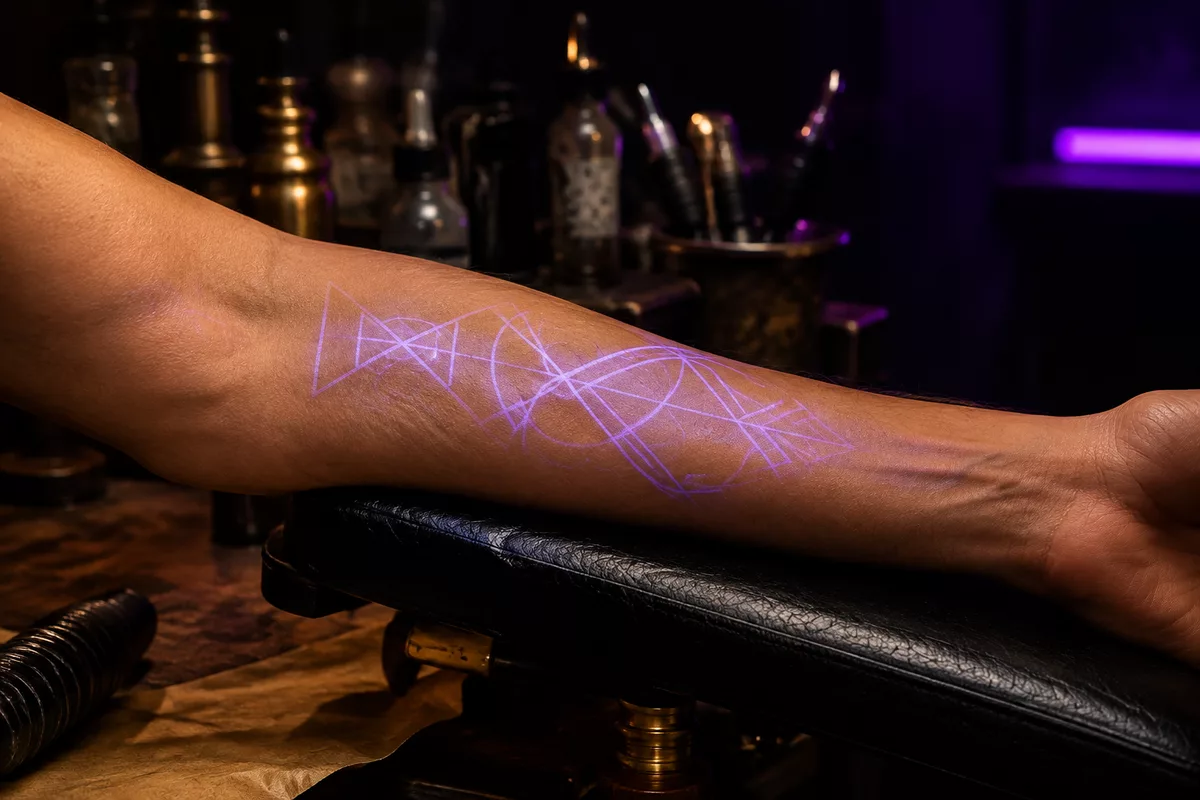
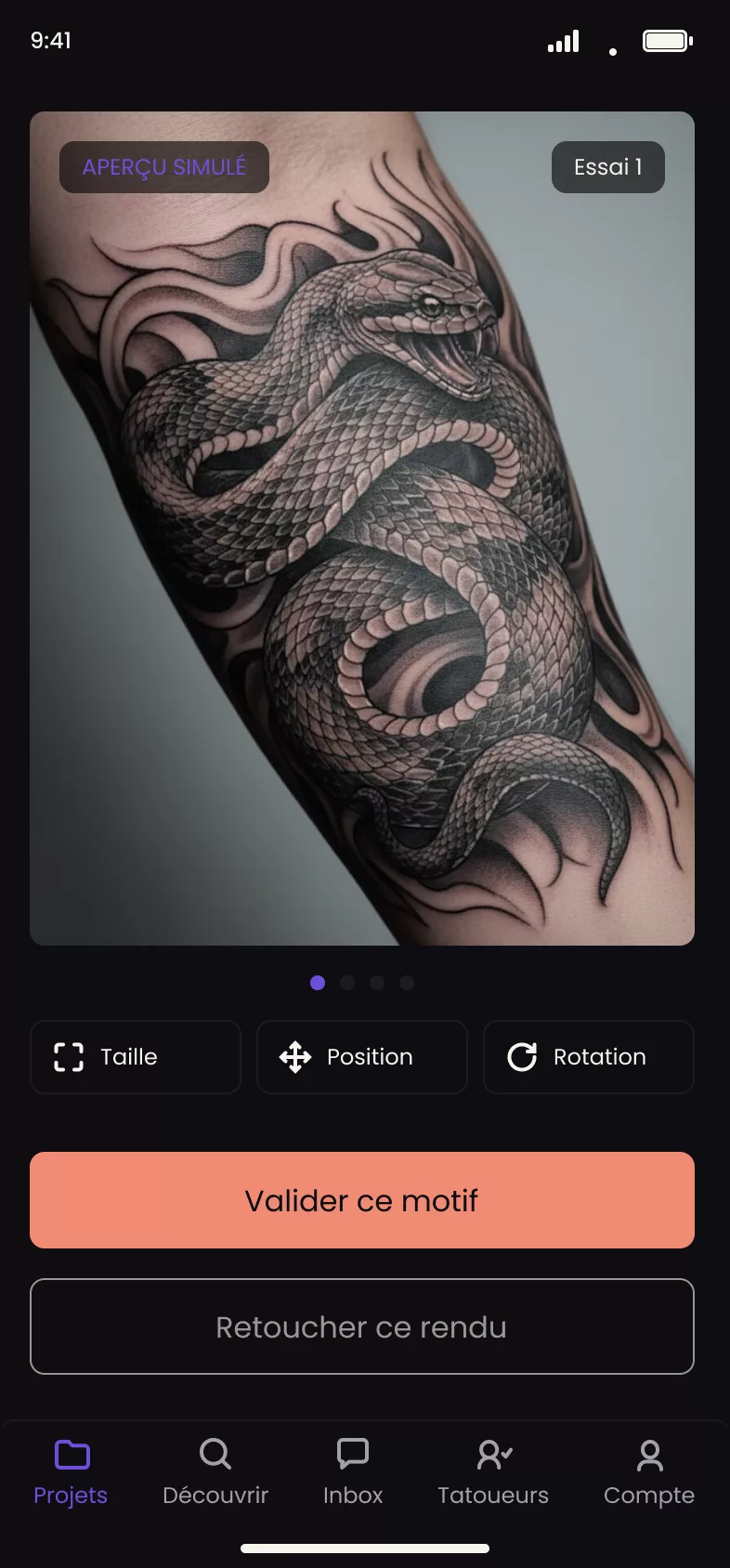
You take a photo of the relevant body area, describe the design you want, and Tattooed generates a render showing the design in that exact spot on your skin. It is a preview that helps you visualize the result before booking, not a contractual commitment to the final result.
The skin preview is part of the app process. If you book directly on an artist's booking page or from their directory listing, you describe your project in a few lines and can attach a photo of the area and references if you wish. No render is generated.
Create a project
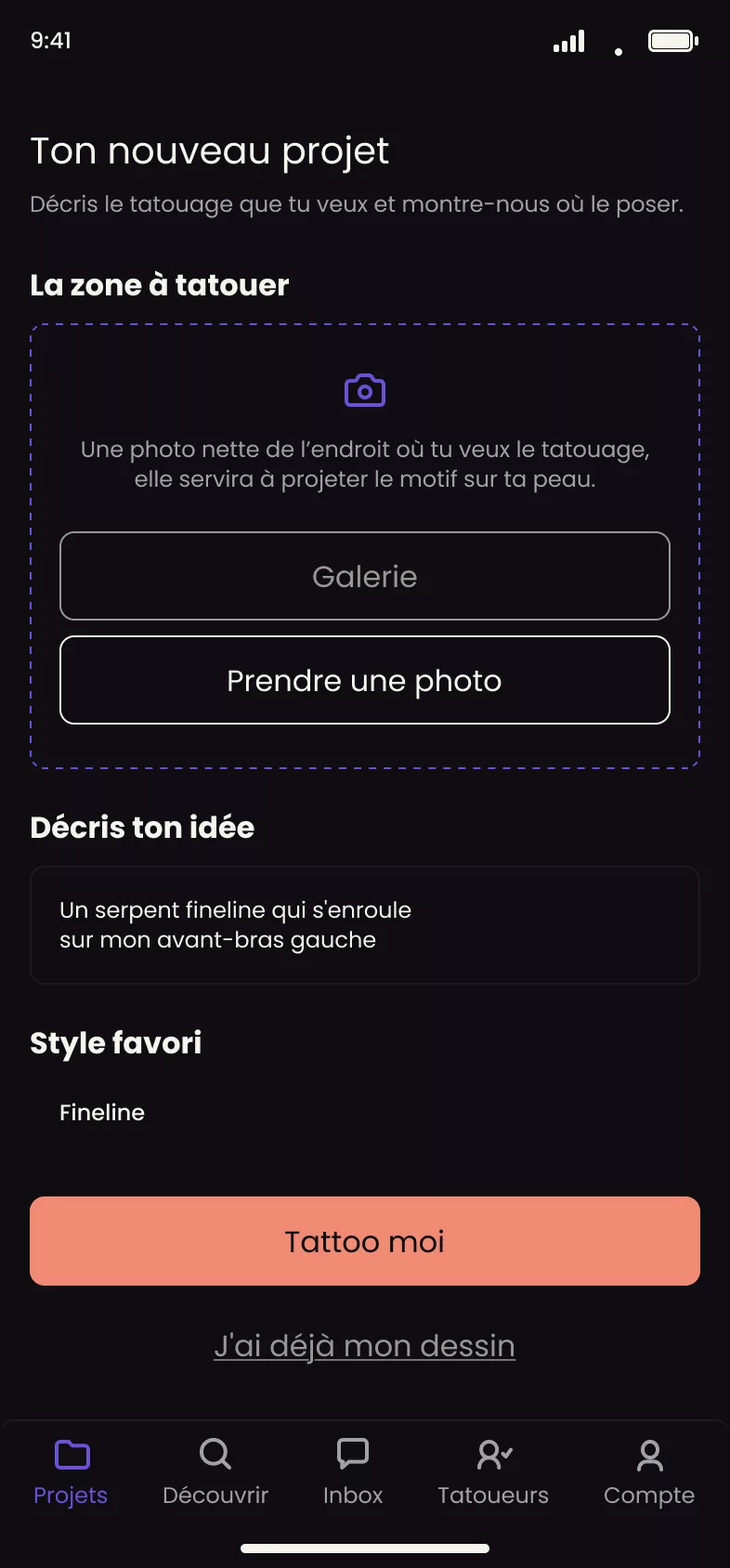
A project starts with a photo of the area to be tattooed, the relevant body area, an approximate size if you know it, and a description of the design you want. Tattooed uses this information to produce a duration estimate that will later be used to calculate your deposit.
Generate and make touch-ups
Each generation uses one unit from a quota of free generations that resets periodically. Generations are currently unlimited on iPhone. If the first render does not work for you, you can request a touch-up, which also uses one unit. You can compare several renders for the same project before deciding.
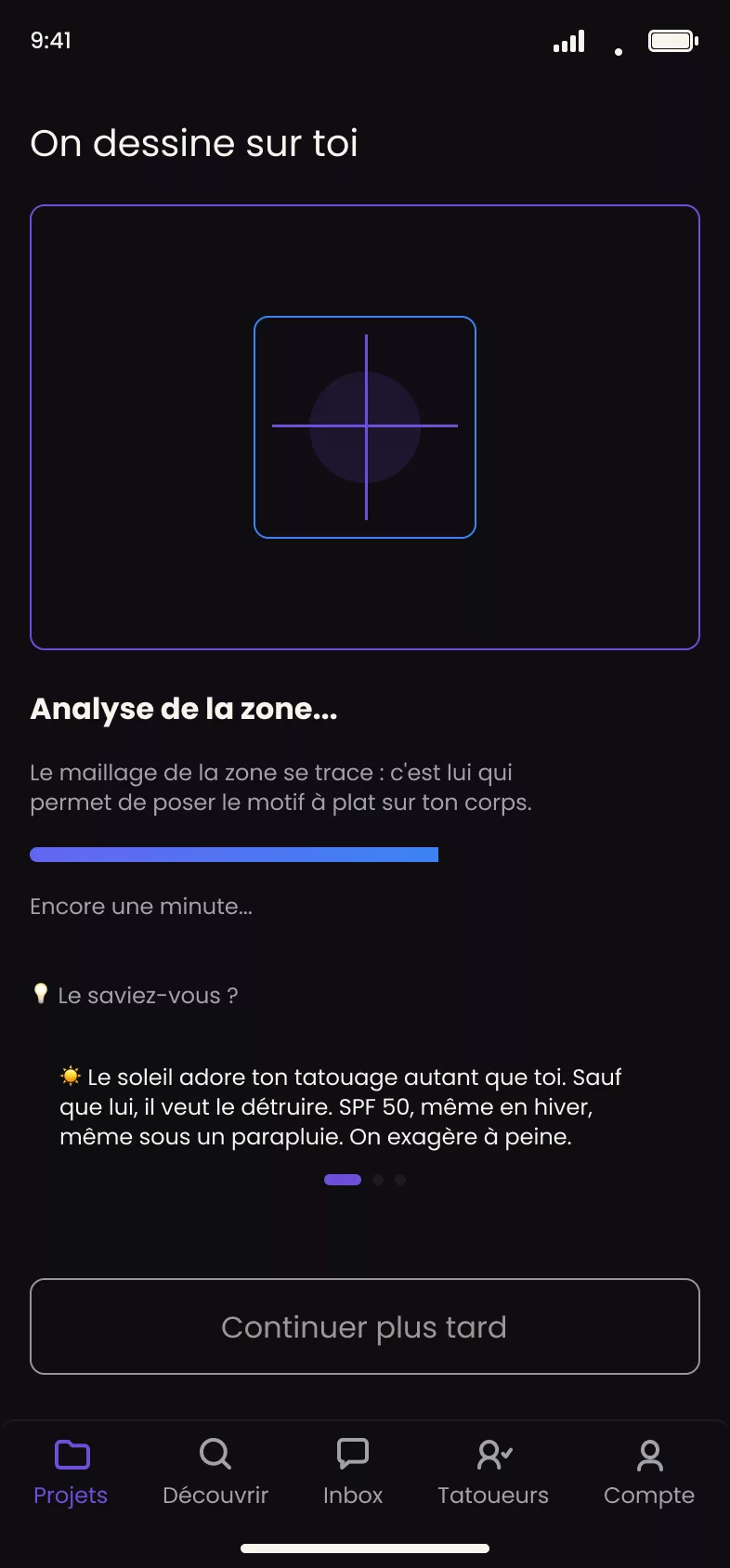
If your quota runs out before you get a satisfactory render, two options remain: approve the best generation you have received so far, or abandon the project and start a new one.
What the render does not guarantee
The generated render is only a guide. The actual duration of the session and the final result are determined by the artist assigned to you at the appointment. It is neither a binding quote nor a promise of a pixel-perfect result on real skin.
Approve the design
When a render works for you, you approve it. This step permanently locks the project. No new generation is possible afterward, even if you had quota remaining. This approval triggers the duration estimate, then the deposit calculation, and then the search for an available artist.
The design your artist sees
When you approve it, Tattooed also produces a stencil, a black-and-white version of the design that is transferred onto your skin on the day of the appointment. This stencil is never shown to the client in the app. It is reserved for your artist's pro dashboard.