Tattoo artist
How do I log an ink or needle batch in Tattooed?
From Traceability, log each bottle or box you receive with its brand, reference, and batch number. Available with the Passion plan.
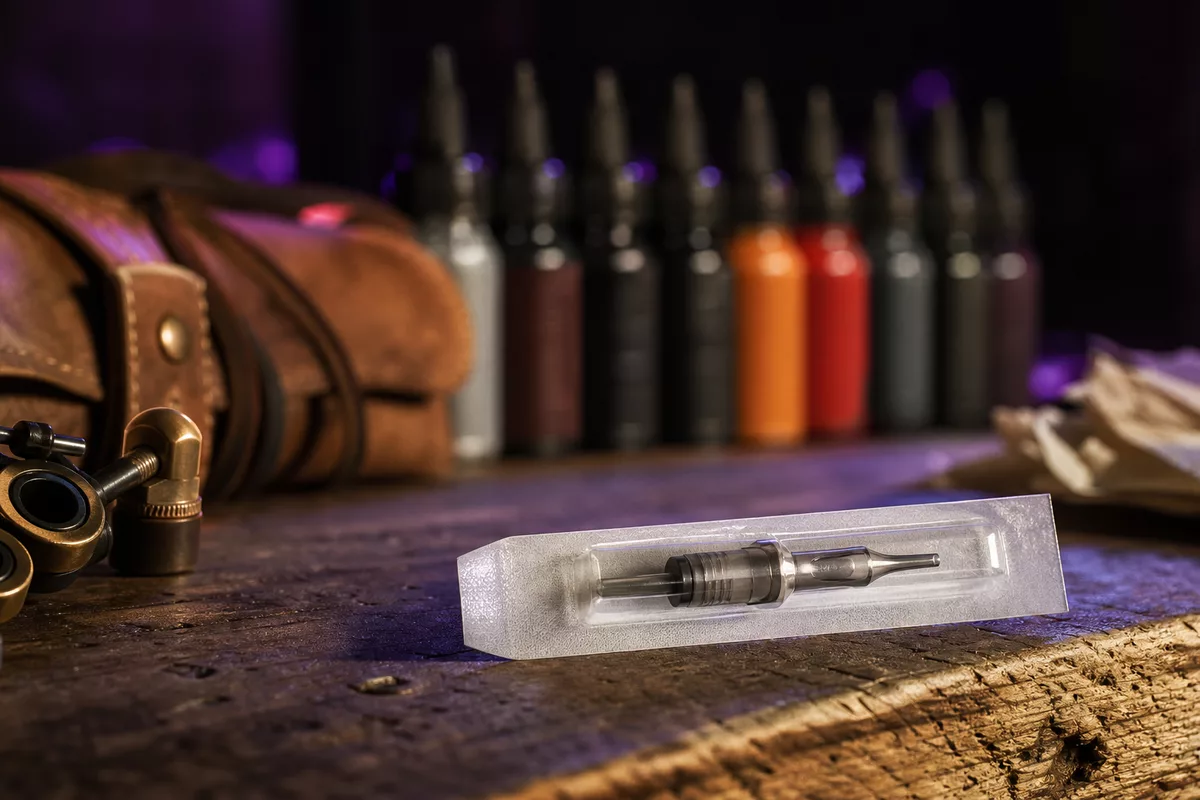
From the "Traceability" screen in your /pro dashboard, log each bottle or box you receive, including its type, brand, reference, and batch number. Do this when you unpack it, once per bottle or box, rather than based on inventory to be deducted.
The register covers all your sessions, regardless of where the client came from. A session assigned by Tattooed, a booking made through your page, and an appointment you recorded yourself are all entered in the same way. Your health requirements do not make this distinction, and neither does the tool.
Enter the batch
- Open "Traceability", then "Log a batch".
- Choose the type: ink, needle, cartridge, or other, such as permanent makeup pigment.
- Enter the brand, reference, meaning the color or needle model, and the batch number copied from the label.
- For ink, enter the date you opened the bottle. This is what matters for its actual usable life, which is often shorter than the printed date. For a needle or cartridge, the expiration date on the packaging is enough because it protects the sterility of the blister pack.
- The expiration date and supplier are optional. Click "Save".
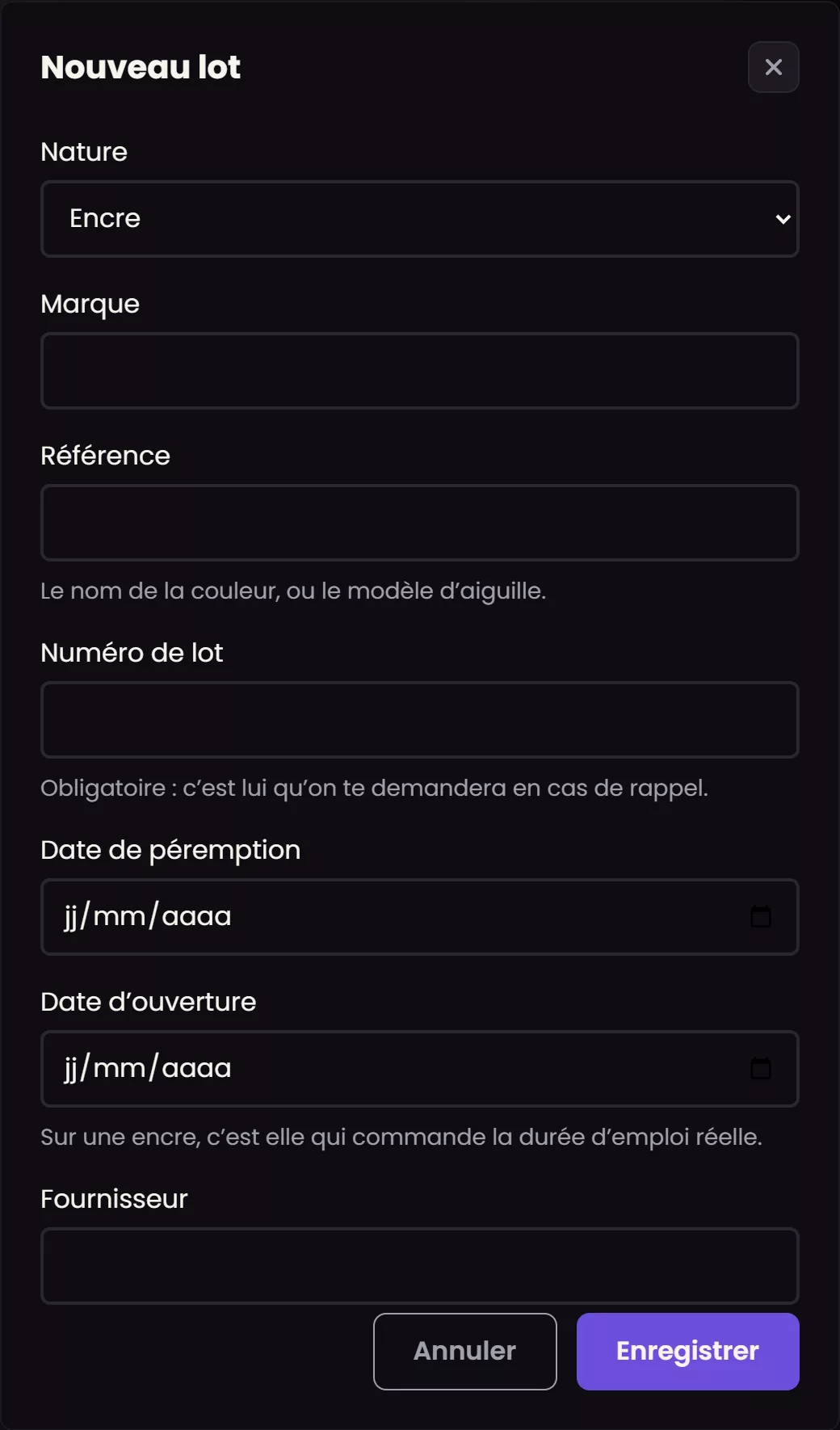
Brand, reference, and batch number are required, and the batch number is the most important of the three. This is the number cited in an ANSES recall, and Tattooed searches for it without considering spaces, hyphens, or capitalization in an approximate entry.
What this register is not
It is not inventory management. Tattooed does not deduct any remaining volume because no one weighs their ink, and an inaccurate number in a regulatory register is worse than no number. The register only attests that a given batch existed and identifies the sessions where it was used.
After you log the batch
It appears in the checklist when you close each session from the appointment screen. Remove a finished batch from this list by archiving it, never by deleting it. Past sessions still reference it, and recalls specifically apply to batches that may already be finished. However, you can directly delete an entry added by mistake if no session is linked to it.
Available with the Passion plan
Logging and maintaining this register is part of the Passion plan. An account on a lower tier does not see this screen. The consent form belongs to a different tier and remains independent of this feature.