Tattoo artist
How do I set my availability on Tattooed?
Use a weekly schedule for your usual hours and special days for exceptions. Learn how Tattooed combines both in your calendar.

Use two settings on the "Availability" screen in the calendar of your /pro dashboard: "My weekly schedule" for your usual hours and "My special days" for exceptions. Tattooed combines the two when offering a time slot to a client.
Your weekly schedule
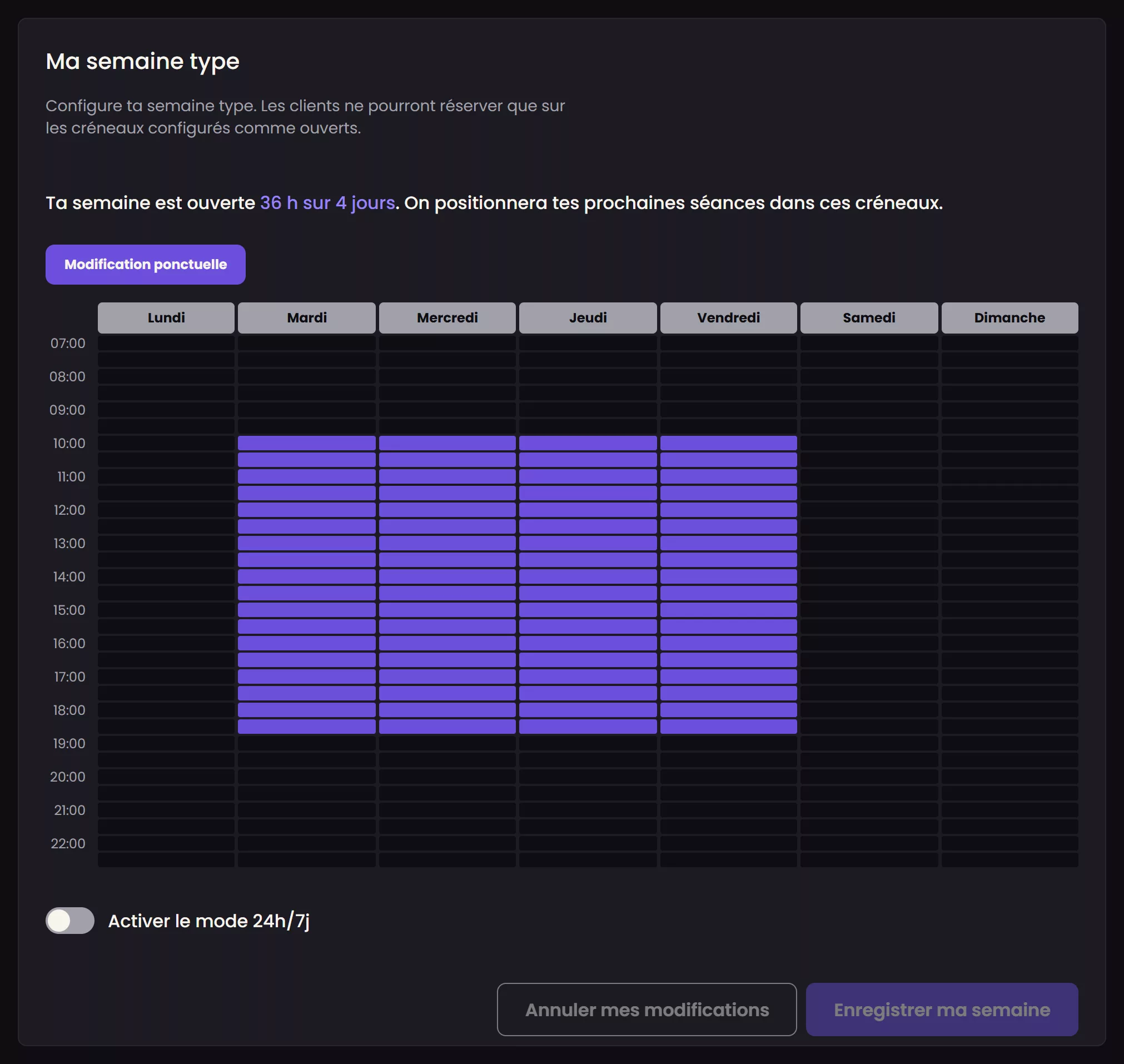
It describes your usual opening days and hours, for example, Tuesday through Saturday during the hours you set. This is the basis the assignment algorithm uses to find a time slot. You can change it at any time from the calendar.
Special days
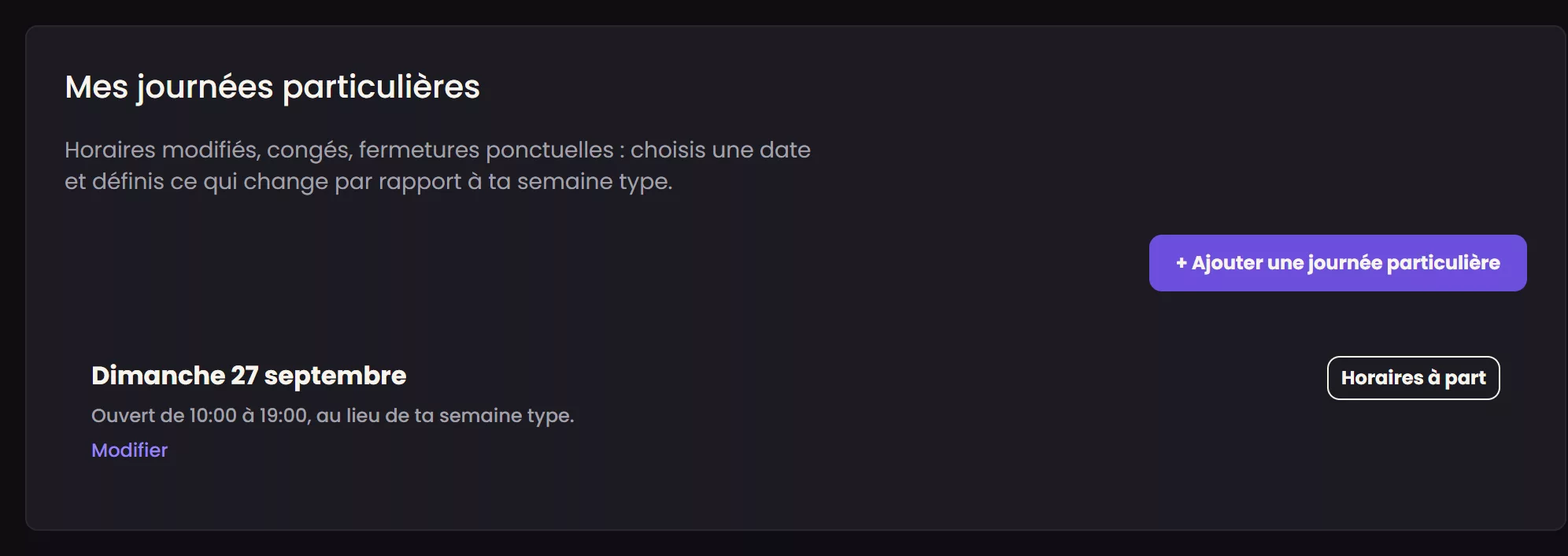
Time off, an absence, a one-off closure, or longer hours on a particular day: a special day always overrides your weekly schedule. Add one using the "One-off change" or "+ Add a special day" button. This lets you close a normally open day on a specific date without changing the rest of your usual schedule.
What actually occupies a time slot
A time slot is considered free if it is open in your weekly schedule, not closed by a special day, and does not overlap with an appointment that has already been offered, confirmed, or started with you. An appointment that has only been offered therefore already occupies the slot, but this label covers two different situations. An assignment waits for the deposit payment and automatically releases the slot when the deadline expires. A request from your booking page does not wait for payment. It waits for you, and until you accept or decline it, it holds the slot with no deadline.
The appointment's source is not part of this calculation. A booking made through your public booking page and a session you added yourself for one of your own clients occupy the time in exactly the same way as an assigned session. Adding your own clients to Tattooed is therefore the safest way to prevent the assignment process from offering a slot you have already given away. See [What is the difference between a client brought by Tattooed and a client who is already yours?](/en/help/artist/requests-and-assignment/referred-vs-direct-clients).
You cannot close a time slot that is already committed
If you try to close a day or reduce your hours when a confirmed appointment is already scheduled, Tattooed refuses to save the change and asks you to cancel that appointment first, regardless of where it came from. This is intentional. Someone is expecting you at that time, and a calendar change must not be able to remove the appointment silently.
If you really need to free up the slot, you must explicitly cancel the affected appointment or appointments from their records. The cancellation refunds the client's deposit when there is one and lowers your reliability score in every case. This is not a minor action, which is why Tattooed asks you to make an informed decision instead of simply closing a box on the calendar.
Why it is important to keep this information accurate
The assignment algorithm only offers you a client in a time slot you have explicitly opened. A poorly maintained calendar with an overly restrictive or outdated weekly schedule automatically reduces the number of requests you receive, regardless of your hourly rate, radius, or reliability score. This is the first setting to check when requests become infrequent.