Tattoo artist
How do I change my hourly rate on Tattooed?
Change your hourly rate in /profil. It only affects deposits for appointments assigned after the change. Every update is timestamped.

In your /pro dashboard, go to "Settings", then "Profile", update the "Hourly rate" field, and save. The same field also appears in "Calendar" on the "Settings" tab. The new rate applies to appointments assigned afterward. It does not affect any deposit that has already been calculated.
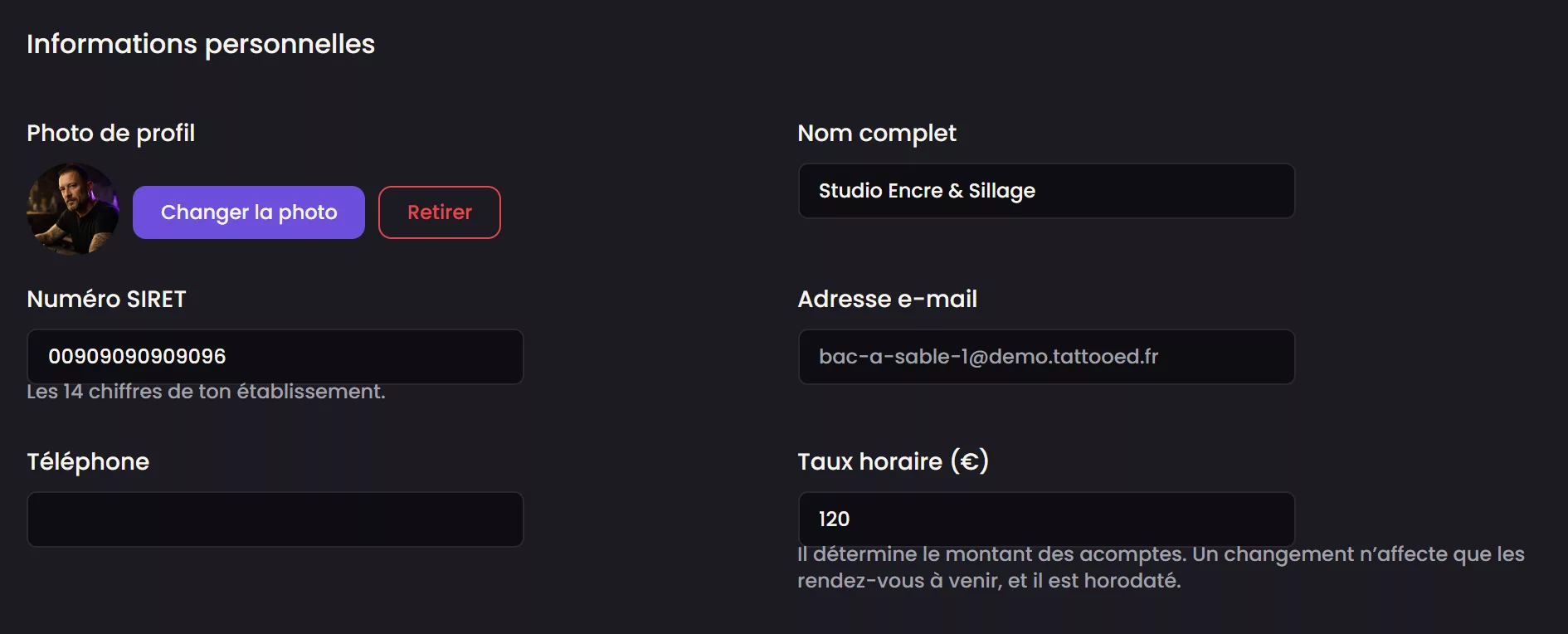
This rate is used to calculate the deposit for clients Tattooed brings you, and it appears on your public listing. It never applies to your own clients. The price you quote them and the amount you collect remain between you and them.
What a change actually affects
The hourly rate is the basis for calculating the client's deposit. A deposit already assigned to an appointment never changes, even if you change your rate the next day. At any given time, two of your appointments may therefore have two different rates. This is intentional, so the amount quoted to a client remains the amount they agreed to. The new rate only applies starting with the next assignment.
Accepted entries
The rate must be strictly greater than zero. Tattooed rejects a zero or negative rate and does not save anything until you correct it. However, clearing the field entirely is valid. Your account then returns to the platform's fallback rate, as if you had never entered your own rate.
Your private history
Every change is timestamped and kept on the Profile screen with the old and new amounts. Months later, this lets you answer "why is this deposit this amount?" for an older appointment without having to rely on memory.
If you do not enter a rate
The deposit is then calculated using a fallback rate set by Tattooed. It appears on the Profile screen before you save anything, so you can see what already applies to your upcoming appointments.
Do not confuse this with the deposit rate override
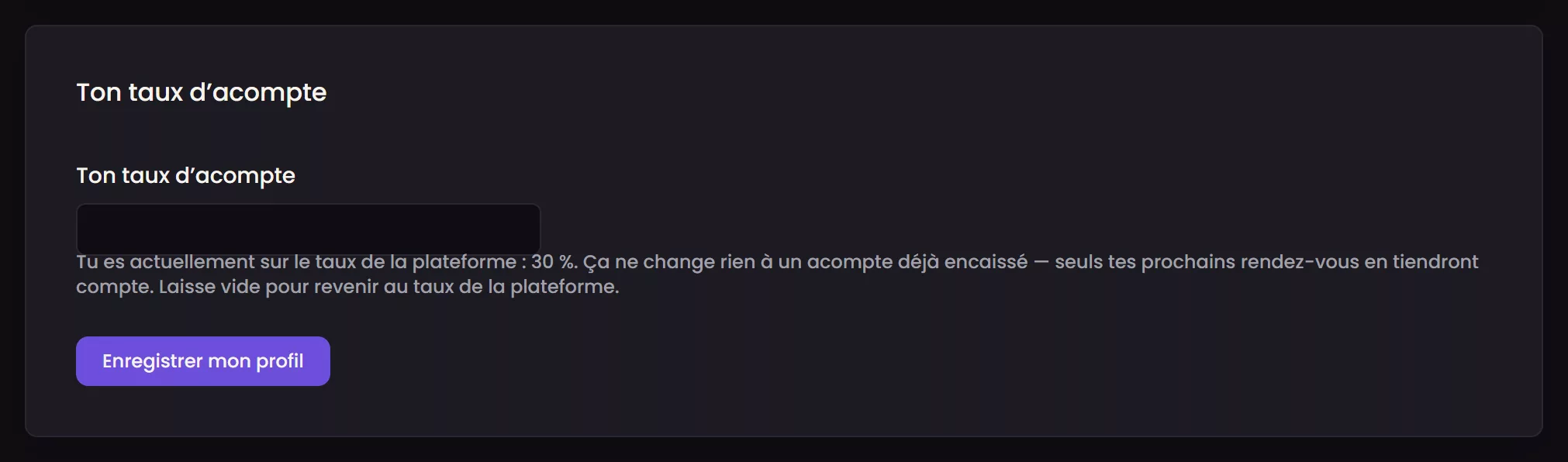
The hourly rate and the share of that rate that Tattooed calculates as the deposit are two separate settings. The first determines the price of your service in euros. The second, which you can set separately on the same screen under "Your deposit rate," only changes the portion collected as a deposit. Changing one never affects the other, and neither one changes a deposit already attached to an existing appointment.
What the hourly rate does not affect
It does not affect the ranking that determines whether you are suggested to a client. This ranking considers factors including the time slot, distance, subscription, reliability, and style, but never the rate you entered. A higher or lower rate neither excludes you nor gives you an advantage in the requests you receive.