Tattoo artist
How do I correct the information on my public listing?
After claiming your listing, update your name, SIRET, address, styles, bio, and photos from your pro profile. There is no separate form.
Make all corrections from your professional profile at /pro, never from a separate directory form. Once you have claimed your listing, your profile is the source of the information shown publicly.
This listing is the storefront through which clients find you and book directly, with no commission. Taking care of it benefits your own client base as much as the requests Tattooed assigns you.
What you can correct, and where
Two screens contain the listing information:
- "Settings", then "Profile": profile photo, name, SIRET, hourly rate, artist name, bio, studio location with autocomplete, tattoo styles, Instagram account, and language.
- "My page", then the "Appearance" tab: theme, accent color, and cover image.
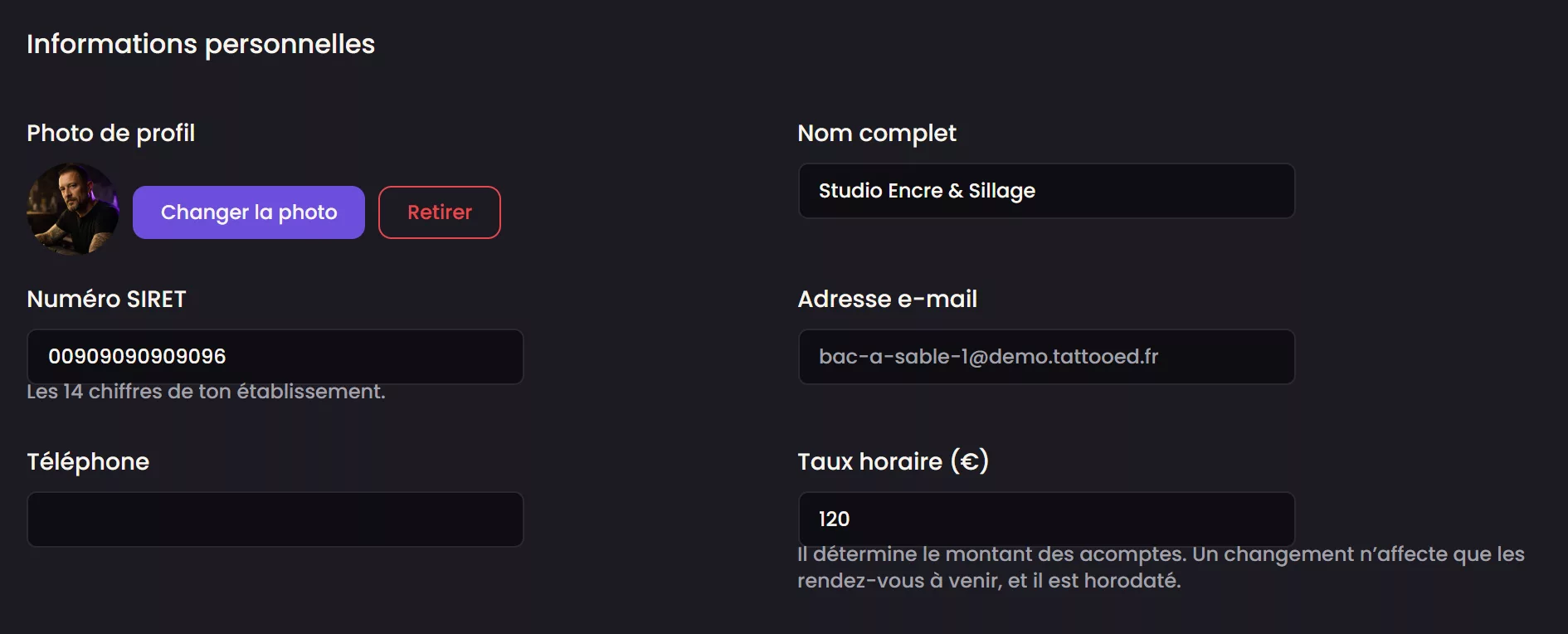
Each change is saved from its corresponding screen and appears directly on the public listing, with no intermediate review.
The address is a special case
Changing the address requires locating it again. Until it has been found, Tattooed rejects the update instead of accepting an address it cannot place on the map. The city determines which searches include you. A geolocated address whose city was not recognized makes you invisible in city searches, even if the address itself is correct.
Photos
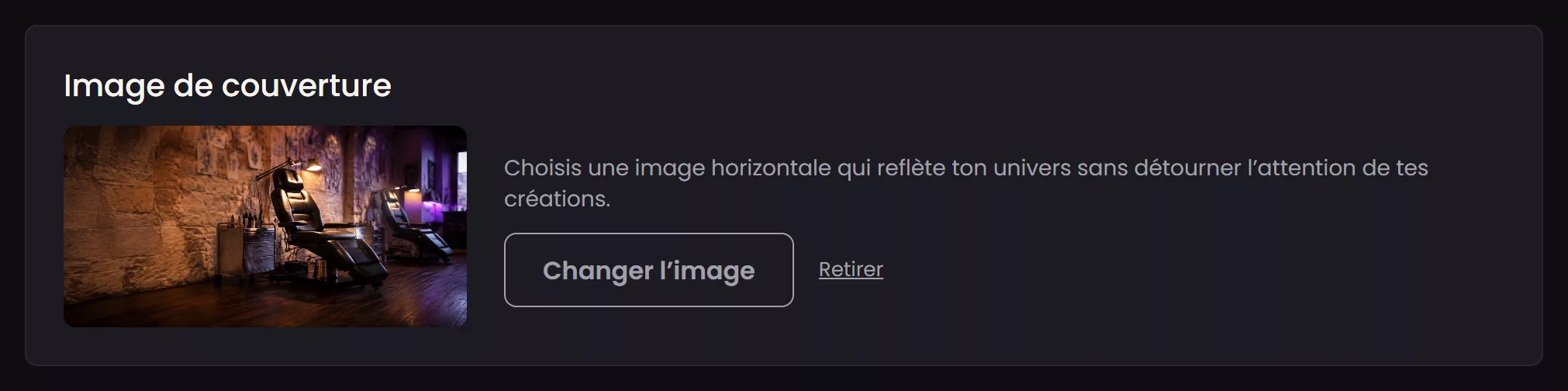
Change the profile photo at the top of the "Profile" screen using "Change photo". Set the cover image under "My page", in the "Appearance" tab, using "Change image". Choose a landscape image. It appears as a wide banner on the public listing.
If the listing is not yours yet
These screens only correct content on a listing you have already claimed. Until your studio is linked to a listing, there is nothing to correct, only generic content from public sources. Linking happens automatically during registration, using your studio's SIRET if you provided it, or a little later using its name and location. This process is detailed in How do I claim my Tattooed directory listing?